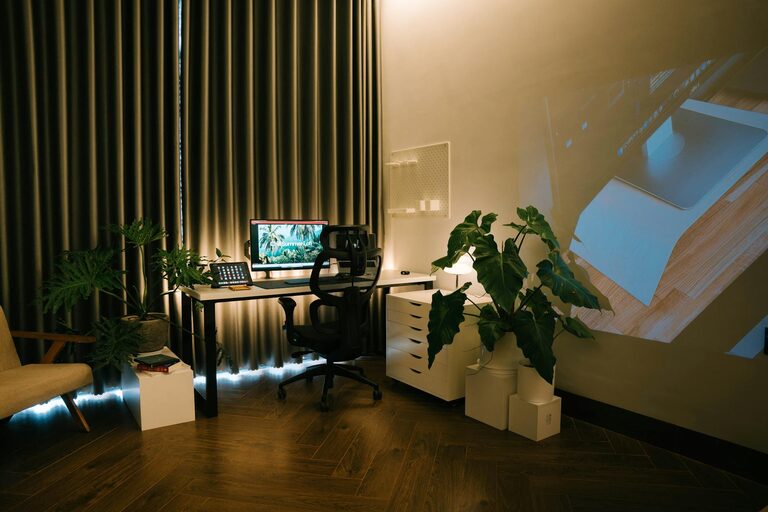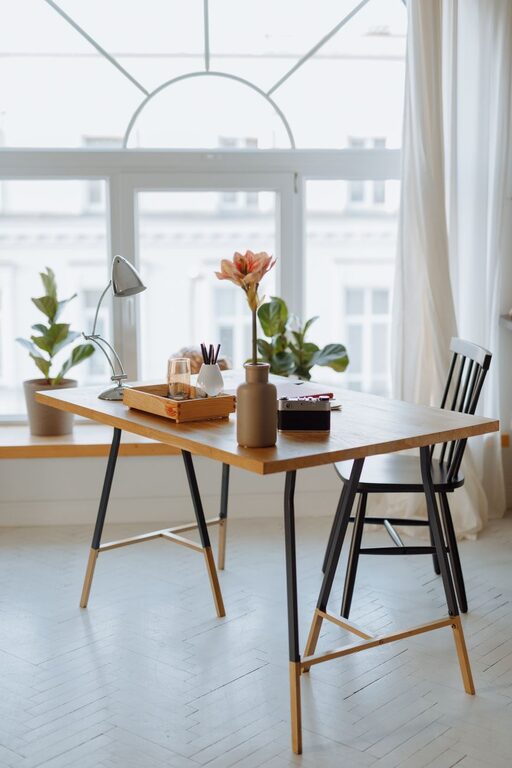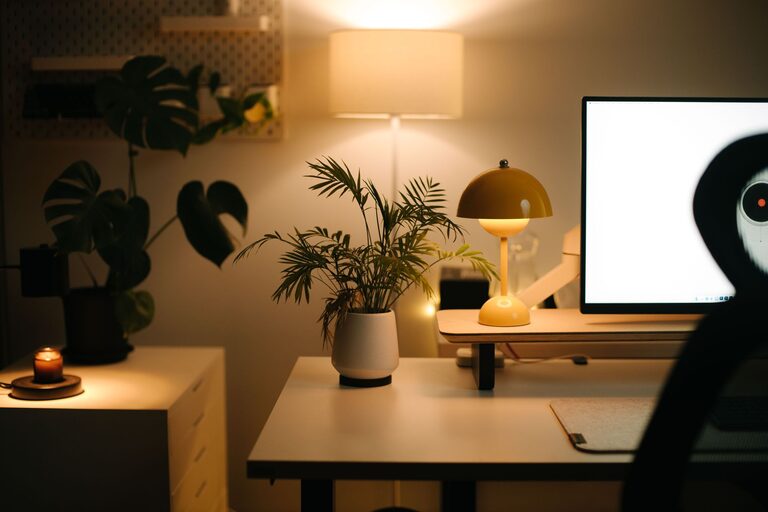
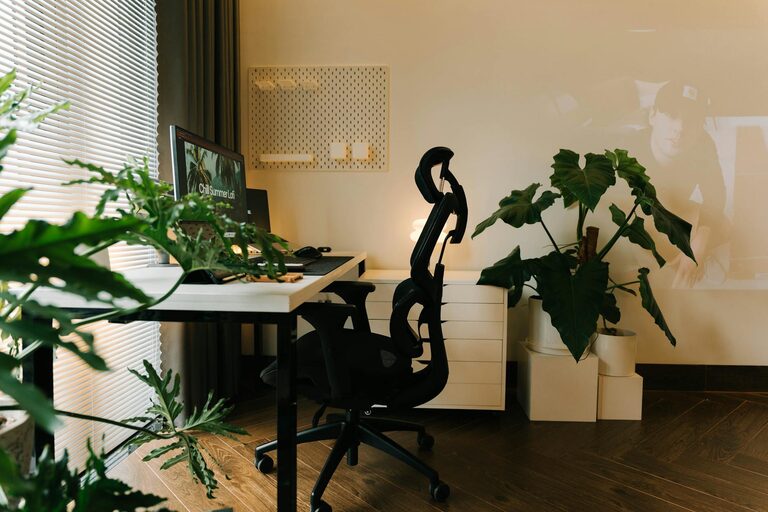
Creating a cozy and functional home office is key to making remote work or study both enjoyable and efficient. Whether you have a dedicated room or just a small corner, the right setup can boost your focus while providing a comfortable environment.
In this guide, we’ll explore practical tips to design a home office space that meets your needs and enhances your daily work routine.
Choose the Right Location
Selecting the ideal spot for your home office is the first step.
– Natural Light: Position your desk near a window if possible. Natural light improves mood and reduces eye strain.
– Quiet Area: Pick a space away from household noise to maintain concentration.
– Space Availability: Make sure there’s enough room for your desk, chair, and storage without feeling cramped.
If space is limited, even a nook or a corner in your living room or bedroom can work well with clever organisation.
Invest in Comfortable Furniture
Comfort is essential for long working hours.
– Ergonomic Chair: Choose a chair with good lumbar support that encourages proper posture.
– Desk Height: Ensure the desk is at a comfortable height to avoid strain on your wrists and shoulders.
– Adjustable Furniture: Consider desks and chairs that you can adjust according to your height and preferences.
A comfortable setup reduces fatigue and prevents aches, making your workday smoother.
Personalise Your Workspace
Adding personal touches can make your office more inviting.
– Plants: Greenery brings freshness and can improve air quality.
– Artwork or Photos: Display pictures or art that inspire you or make you smile.
– Colour Choices: Use calming colours like soft blues, greens, or neutrals to create a peaceful atmosphere.
Personalisation helps create a space where you feel motivated and relaxed.
Organise Efficiently
A tidy workspace enhances productivity and reduces distractions.
– Storage Solutions: Use shelves, drawers, and organisers to keep supplies in order.
– Cable Management: Use clips or sleeves to tidy up cables and avoid clutter.
– Minimalism: Keep only essential items on your desk to maintain focus.
Regularly declutter your space to maintain a clean and efficient work environment.
Optimise Lighting
Good lighting is vital to reduce eye strain and maintain alertness.
– Natural vs Artificial Light: Complement natural light with adjustable desk lamps or overhead lighting.
– Warm vs Cool Light: Use warm lighting for a cozy feel but cooler light when you need to stay alert.
– Avoid Glare: Position screens and lights to minimise glare and reflections.
Experiment with different lighting to find what works best for you throughout the day.
Incorporate Technology Thoughtfully
Modern tools can make working easier but keeping tech well integrated is important.
– Reliable Equipment: Invest in a fast internet connection, quality computer, and peripherals.
– Wireless Devices: Use wireless keyboards and mice to reduce cable clutter.
– Charging Stations: Set up a designated area for charging your devices neatly.
Keeping technology organised and up-to-date helps maintain workflow without distractions.
Create Boundaries and Routine
Establishing boundaries between work and personal time is crucial when working from home.
– Dedicated Workspace: Avoid blurring lines by keeping work items separate from leisure zones.
– Consistent Schedule: Set regular work hours and breaks to maintain productivity.
– End-of-Day Ritual: Close your laptop and tidy your desk to mentally signal the end of the workday.
Healthy boundaries reduce stress and improve overall work-life balance.
Add Comfort Elements
Small additions can make your workspace feel more comfortable and inviting.
– Soft Textiles: A cozy rug, cushion, or blanket can add warmth.
– Temperature Control: Use fans or heaters to keep the space pleasant.
– Background Music: Play soft music or white noise to enhance focus if it helps you.
Comfort improvements can make working from home more enjoyable and less tiring.
—
By following these tips, you can transform any space into a home office that is both cozy and highly functional. The right balance of comfort, organisation, and personal style will support your productivity and well-being, helping you make the most of your remote work or study experience.