Creating a cozy and productive home office space is essential, especially when more people are working remotely or freelancing. The right environment can enhance your focus, motivation, and overall work satisfaction. In this post, we’ll share practical tips on how to design a workspace that feels inviting and helps you get things done efficiently.
Choose the Right Location
Before you start arranging furniture or buying equipment, consider where your home office will be. Ideally, pick a quiet spot away from distractions like the TV or household traffic. If possible, use a separate room to maintain boundaries between work and home life. If space is limited, a corner in a living room or bedroom can work too — just make sure you have enough room to spread out.
Focus on Ergonomics
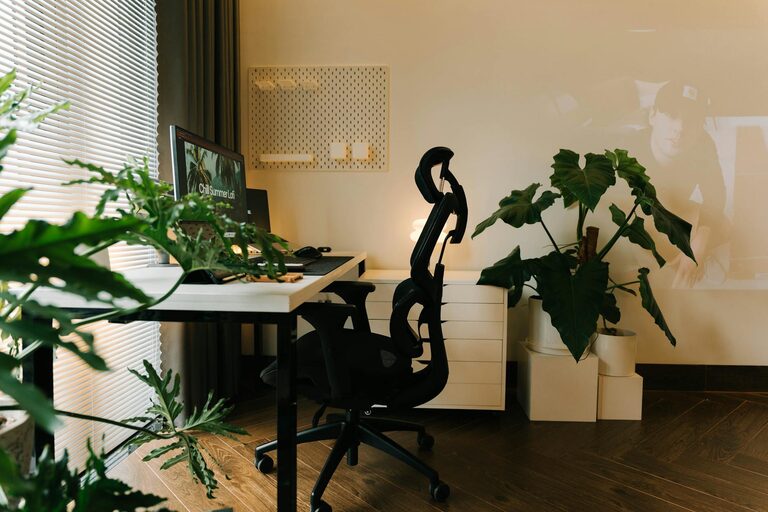
Comfort is key for a productive workday. Investing in an ergonomic chair that supports your posture can prevent back and neck pain. Pair it with a desk at the right height to keep your wrists straight while typing. If you use a laptop, think about getting a laptop stand and an external keyboard and mouse to avoid strain.
Tips for Ergonomic Setup:
– Your monitor should be at eye level, about an arm’s length away.
– Keep your feet flat on the floor or on a footrest.
– Take short breaks to stretch and move around regularly.
Maximize Natural Light
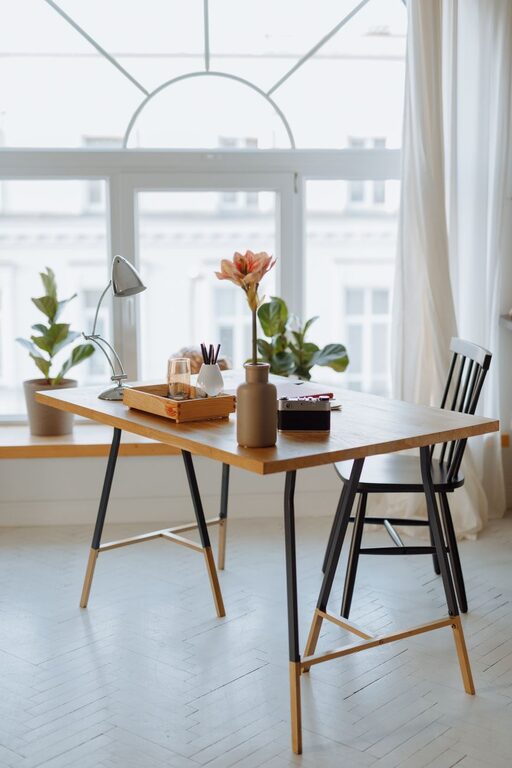
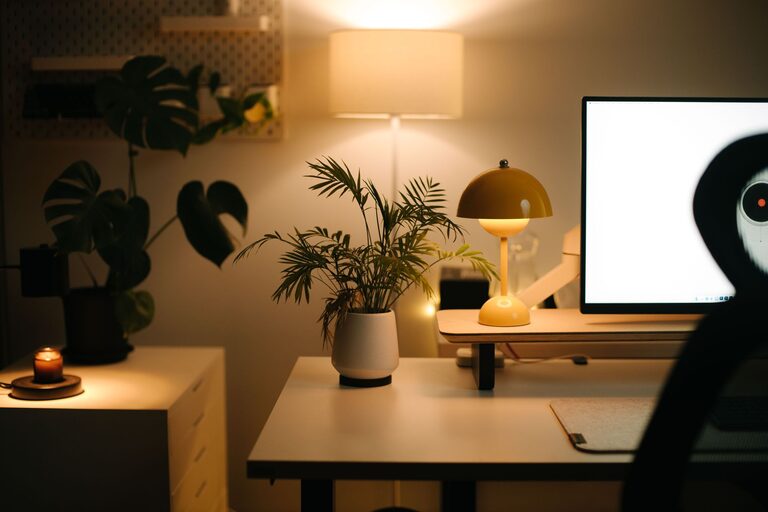
Natural light improves mood and alertness. Position your desk near a window to benefit from sunlight, but avoid glare on your screen. If your office lacks windows, use bright, adjustable artificial lighting that mimics daylight. A combination of overhead lights and desk lamps can help reduce eye strain.
Use Soothing and Inspiring Colors
Colours impact how we feel and work. Soft, neutral tones like light greys, whites, or pastels create a calm atmosphere conducive to focus. If you prefer more energy, add pops of color like blue or green, which are known to boost creativity and concentration. Avoid overly bright or harsh colours that might feel overwhelming.
Keep Your Space Organized
Clutter can distract and reduce efficiency. Invest in storage solutions such as shelves, drawers, or filing cabinets to keep documents and supplies neatly arranged. Use organizers like trays or baskets on your desk to store frequently used items. Regularly declutter your workspace to maintain a tidy environment.
Organizational Tips:
– Use labels to find things quickly.
– Store cables and chargers in a dedicated box.
– Digitize documents when possible to reduce paper clutter.
Bring in Personal Touches
Personalising your home office makes it more inviting and motivating. Consider adding:
– A few framed photos or artwork you enjoy
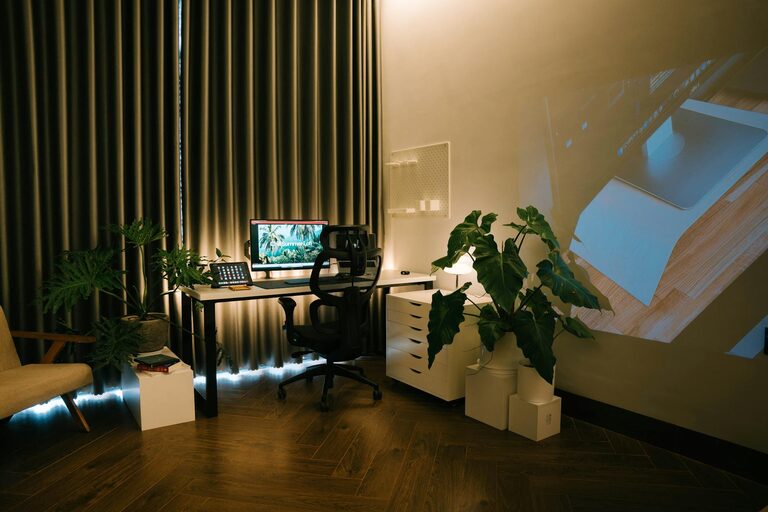
– Plants to improve air quality and add green vibrancy
– A comfortable rug or cushions for warmth and texture
– Inspirational quotes or a vision board for motivation
Keep these elements balanced to avoid visual chaos.
Incorporate Technology Wisely
Choose technology that suits your workflow without cluttering your space. Efficient gadgets and apps can streamline your tasks and improve communication. Wireless devices reduce cable mess. Ensure fast and reliable internet connectivity to handle video calls and file sharing smoothly.
Maintain Boundaries and Routine
A cozy workspace should also support your work habits. Set clear work hours and take breaks just as you would in a traditional office. Inform your household members about your schedule to minimise interruptions. Consider using noise-cancelling headphones if needed to create a focused environment.
Add Comfort Features
Small comfort additions can make a big difference in your daily experience:
– A mug warmer or kettle nearby for hot drinks
– A small fan or heater to control temperature
– Cushioned footrests or ergonomic mats
– Adjustable window blinds or curtains for light control
Final Thoughts
Designing a home office that is both cosy and productive is about balancing comfort with function. By choosing the right location, investing in ergonomic furniture, maximising natural light, and keeping the space organised and personalised, you create an environment where you can thrive. Remember, your workspace should evolve with your needs, so feel free to adjust and improve as you find what works best for you.
Happy working from home!